
Pixicade Mobile Game Maker Review
THIS ITEM WAS GIFTED TO THE REVIEWER FOR THE PURPOSES OF WRITING THE REVIEW. ALL THOUGHTS AND OPINIONS ARE THE REVIEWER'S OWN.

Reviewed by Amanda Hayes
I find buying Christmas presents harder and harder every year as my son and his friends get older. Gone are the days when you can get any old thing and they think it’s great! Once they get into double figures children become much more discerning and in turn much more expensive to buy for, so I was very pleased to be able to review a video game based toy which is STEM authenticated. The Pixicade mobile game maker is aimed at children aged 10 plus without assistance and from age 6 with some help from parents or older siblings. I hadn’t heard of the product at all before being offered it as a review item, so I really didn’t know what to expect, how can you easily create your own video games?
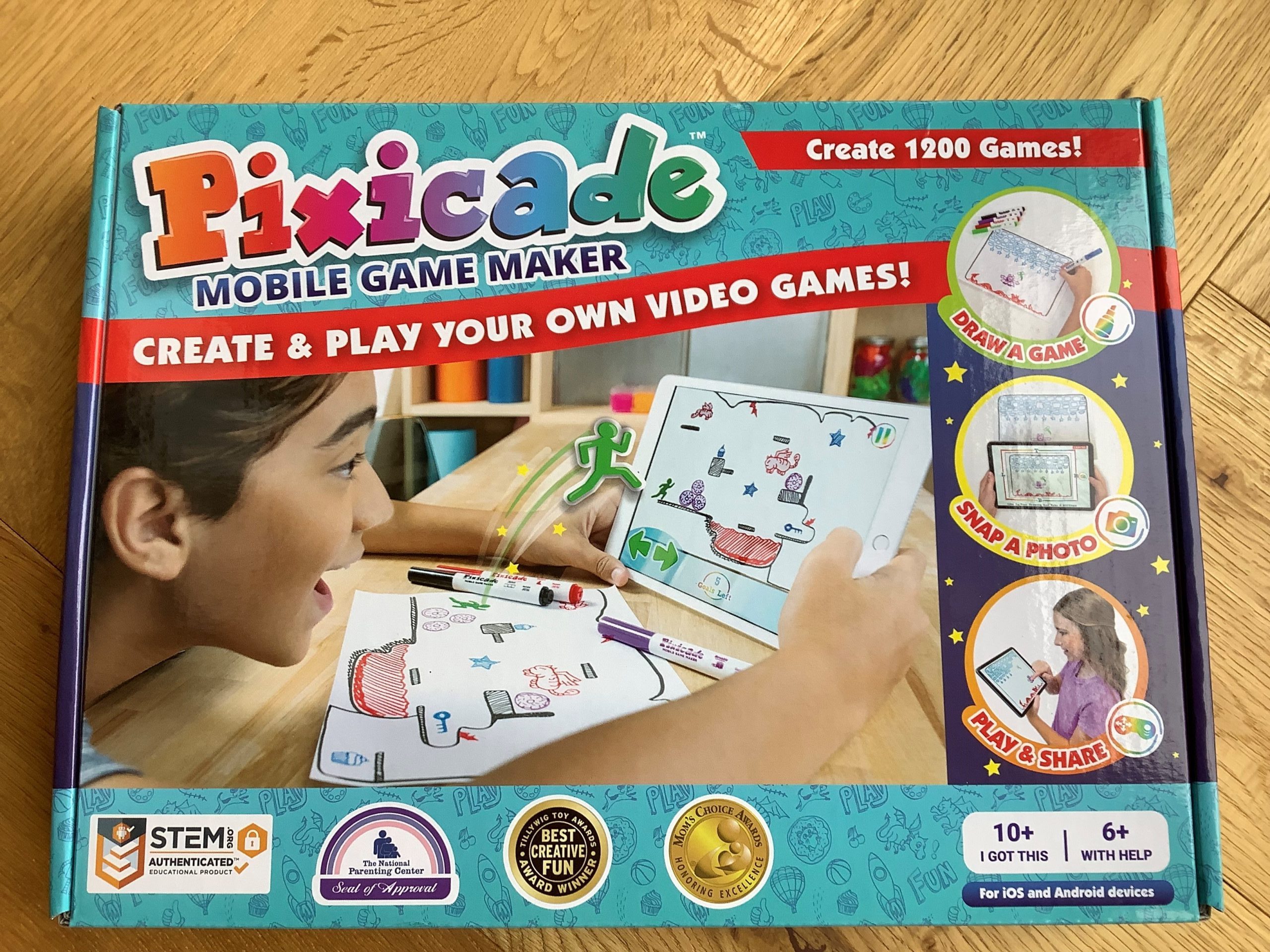
When the game arrived, the board game sized box, fully branded with Pixicade, states draw a game, snap a photo, play & share which was even more intriguing. Inside the box is an instruction booklet, set of five marker pens and three games maker drawing books. The first thing you need to do is download the Pixicade app, its compatible with both ios and Android, and you need one of the two unique QR codes to be able to add games to your account. There are two codes, so they can be used on separate two devices/accounts. The app was easy to find in the app store and quick and easy to download onto my tablet. The first page gives you tips on how to draw & create your game, you need to use the colour black for the floors & walls, green for your avatar, blue for your goals, red for hazards & purple for movable objects. It also gives you tutorials to show you how to draw different types of games, a tip from me is turn the sound off! Its very annoying and will drive your crazy. You are now ready to start, draw your image, take a photo of it whilst in the app, it tells you how and then wait. If you don’t get everything quite right, eg on my first attempt I didn’t do the avatar green, it will let you know by showing you an error message and telling you why. After the photo is taken, it comes up with a loading screen and after about 30 seconds your drawing is on screen.

It takes a few goes to get a plain paper drawing to make a good game, and its pretty much trial and error, first I made the avatar loo large, then I made the goals too close. This is where the included game maker books come into their own, as they include sample games, sample goals and half drawn games for you to add too. They also have lots of advice and examples of what to do if things don’t quite work, they really are useful for improving your game play. They are big books too, with over 100 games examples, you won’t get bored anytime soon. One you have made a game, you can edit it on screen by adding motion, hazards or rotations plus others. You can also add your game to the arcade for others to see and play, users under 13 require parental consent to do this. When installing the app you ned to add your date of birth to be able to access various parts of the game, eg use of the camera, which is a great safety feature when your child is sharing things outside of their own tablet.
I was impressed with the Pixicade Mobile game Maker, yes there is time spent on the screen, but there is a lot more to it than that with plenty of drawing and thinking skills required to set up the games and improve them. I thought it was great value for money at under £20 as it is a creative, thought-provoking game that wont be going in the bin on Boxing Day.
Rating: Highly recommended 5 out of 5
RRP £19.99
More information here and can be purchased from all good toy shops.