
Weber Connect Smart Grilling Hub Review
THIS ITEM WAS GIFTED TO THE REVIEWER FOR THE PURPOSES OF WRITING THE REVIEW. ALL THOUGHTS AND OPINIONS ARE THE REVIEWER'S OWN.

Reviewed by Amanda Hayes
When it comes to Christmas gift’s I find men the absolute hardest to buy for. Socks pants or smellies just don’t cut it anymore. Hardly anyone wears smart clothes to the office these days, so another boring but obvious gift, ties, and cufflinks, seem to be a thing of the past. So, what do you buy for the man in your life?
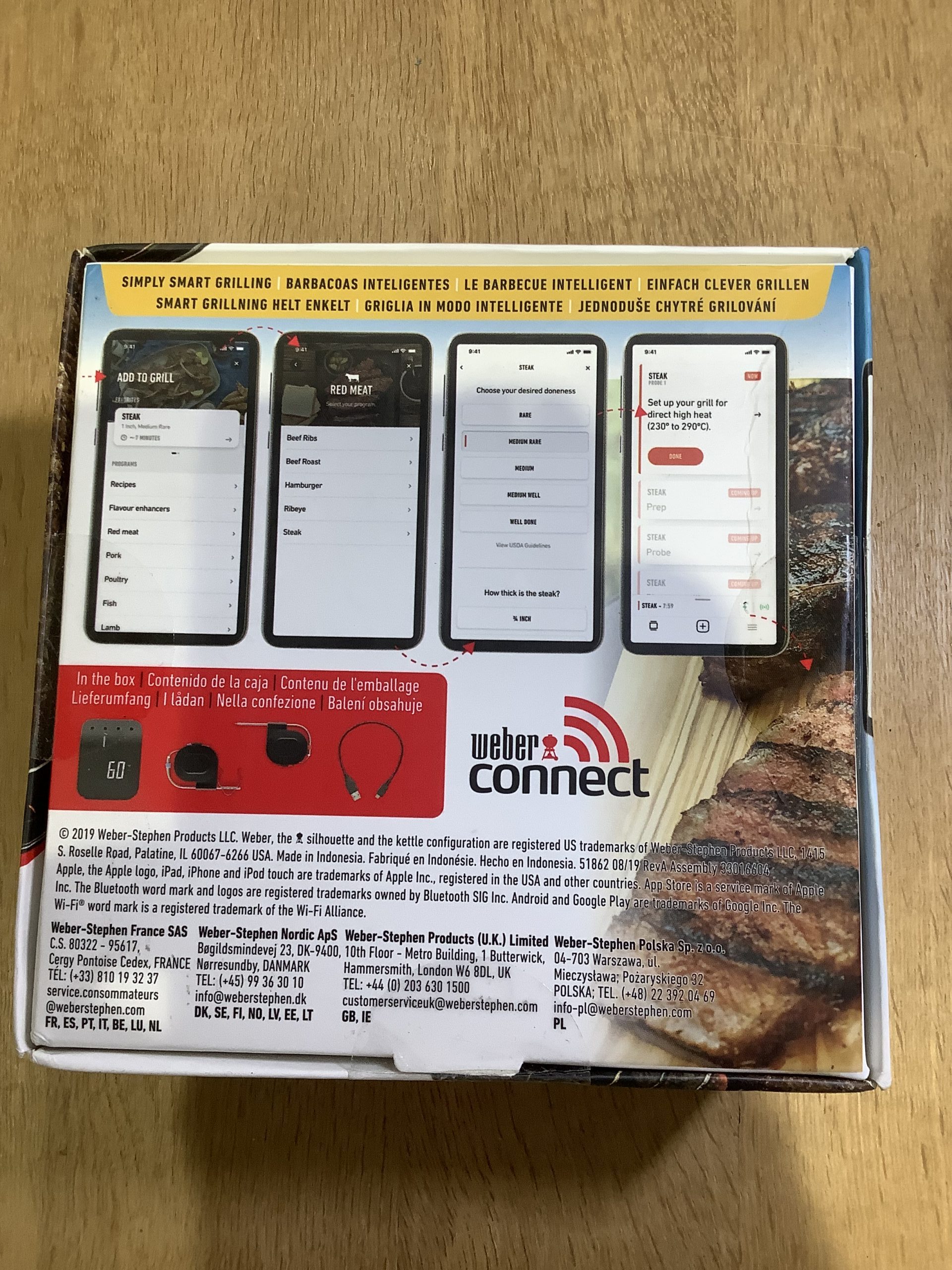
With most men I know being heavily involved in preparing & cooking the family meals, and tech gifts being the latest must haves, I was excited to be able to review an app-based cooking aid for the BBQ. Coming from the most well-known name in barbecuing, Weber, the Weber Connect Smart Grilling Hub is a step by step grilling assistant with notifications being sent direct to your smartphone. The hub takes the guess work of when your food is ready, no more cutting your meat open in the middle to check its cooked, one glance at your phone and you can tell whether it is ready. Unusually it can be used with any type of bbq, charcoal, electric, wood pellet and gas, so it is a must have for any bbq enthusiast even if you are a charcoal traditionist.

The Smart Grilling Hub comes in a small square box including the hub itself, two temperature probes, an ambient grate clip and a charging cable. To set up the hub it needs to be charged and the Weber Connect app downloaded to you phone or tablet. Compatible with both wifi and Bluetooth, IOS and Android, it was a very quick and seamless process to find and download the app. Whilst the hub doesn’t really come with any printed instructions, it points you to the excellent Weber.com/connectsupport site which gives you step by step instructions on how to set up the hub and pair your device.

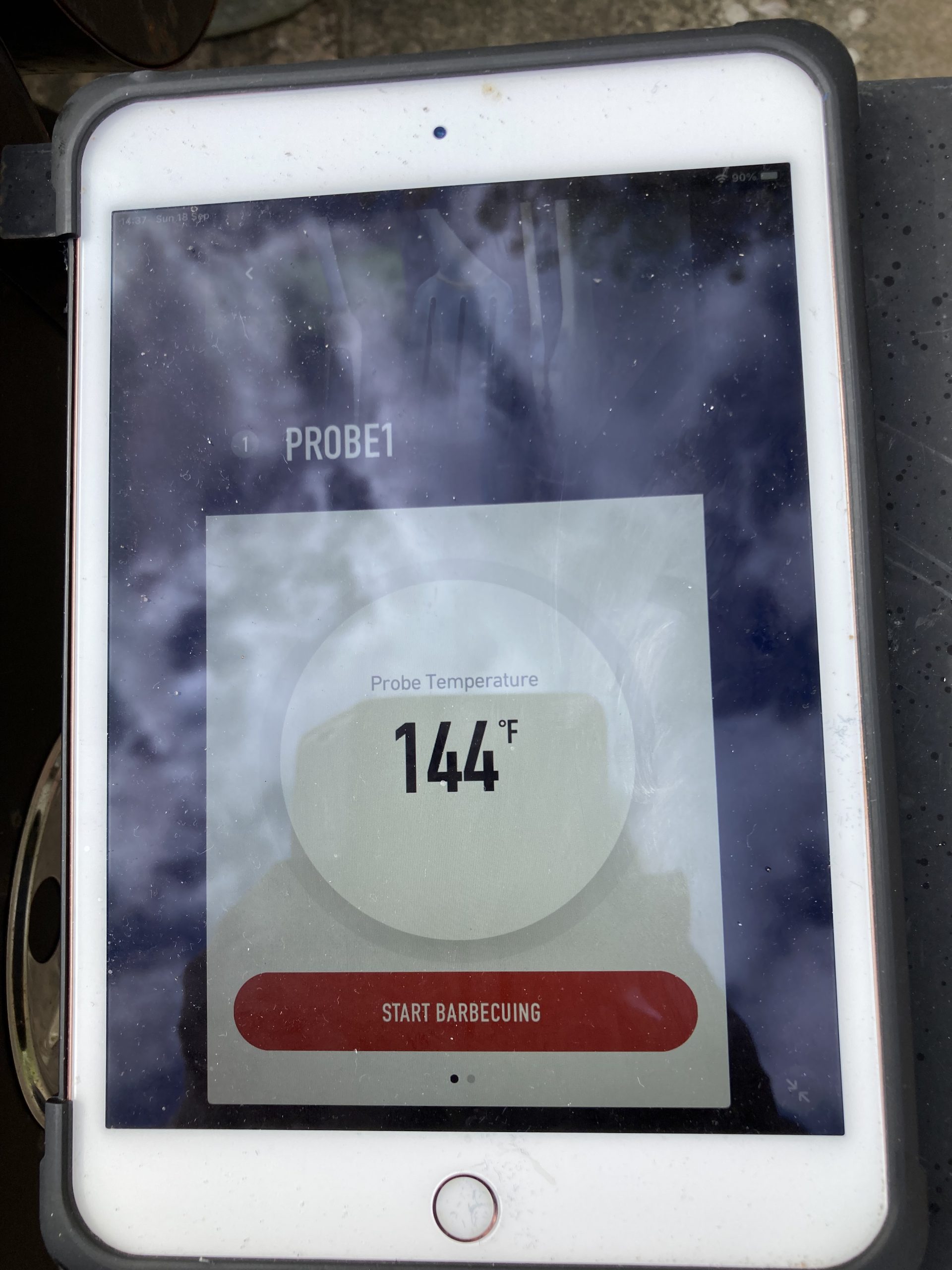
Once connected and paired you can start cooking. Its very easy to get started, clip the ambient grate clip onto the bbq grill rack, push the two connection ends of the probes into the hub, and the two sharp ends into the item you are cooking. Again, the Connect Support website is your go too for where to insert the probes, it has a comprehensive list of meats, fruit and vegetables and where to place them. Click into the app on your smartphone and press start, it will then tell you the temperature of the food and the grill. You can see this clearly on both the LED temperature gauge on the hub itself & on your screen. If you then click through and choose your meat, fish or vegetable item for the list it will tell you how long to cook it and when its ready based on the temperature of the grill & probe. You can also choose different variations of doneness, eg rare or medium on certain meats.

The other fab part of the app is the recipe section, click on a fish, vegetable or meat type eg beef, click through and you will get not only a list of recipes to choose from but how to prepare and cook them, including where to place the probe and how long to cook. It also shows the prep time so you can choose a recipe based on the time you have available. If the recipes on there aren’t enough for you, and there are plenty, there are loads more to pick from at Weber.com/connectsupport. I’d admit to being very boring with my bbq ideas, and normally just reach for a burger or sausage, so I found this recipe section very useful and full of delicious and easy recipes to try.
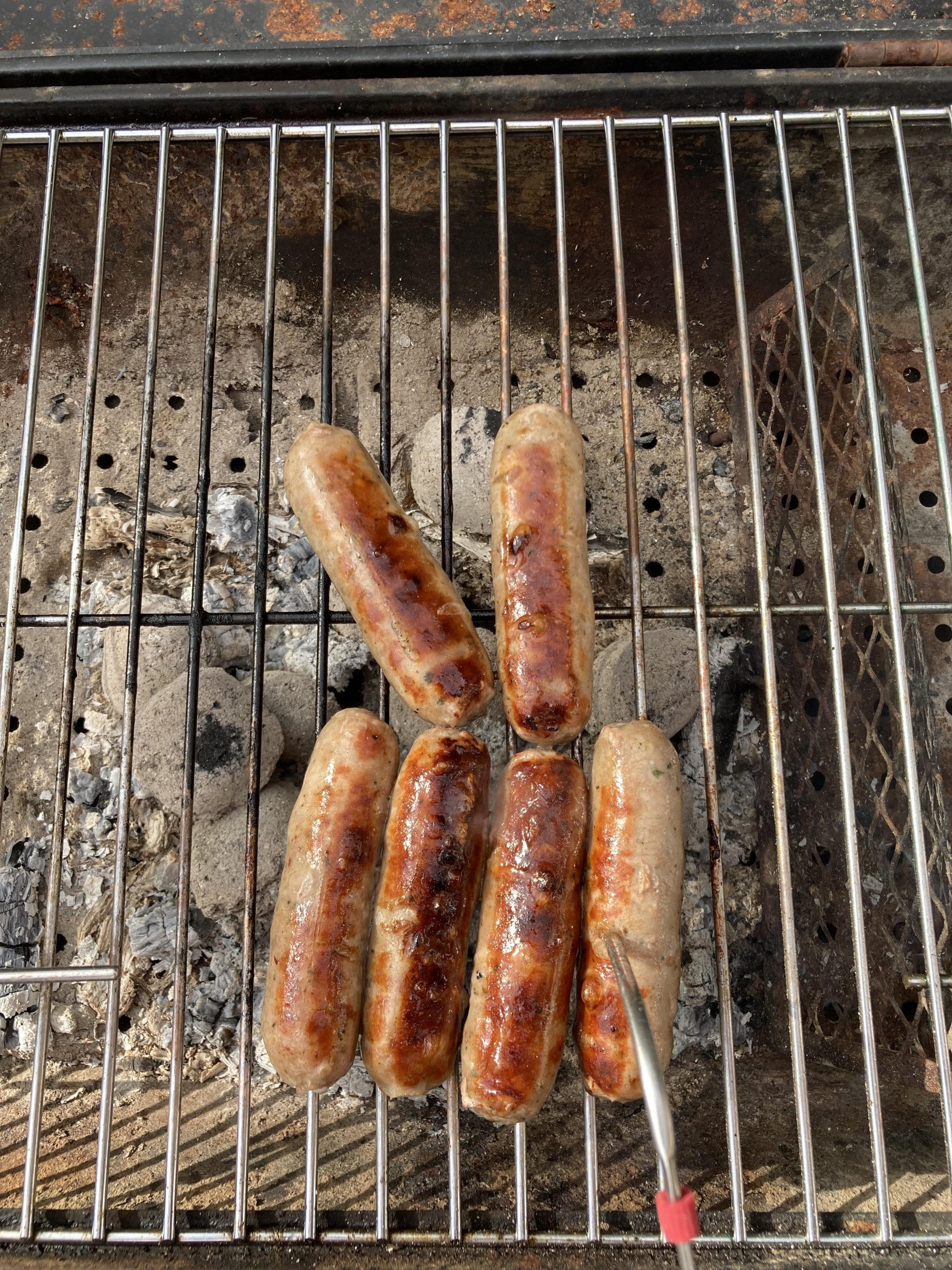
The Weber Connect Smart Grilling Hub is a great little piece of kit, easy to clean and store and a fantastic gift for the barbeque enthusiast, it’s a little pricey for the occasional user, but for the wannabe Chef out there or the men that take their family bbq’s very seriously its perfect.
Rating: 4.5 out of 5
RRP: £159.99
This product can be purchased from Weber here.